Sleepwalking into a certificate apocalypse (Part 1)
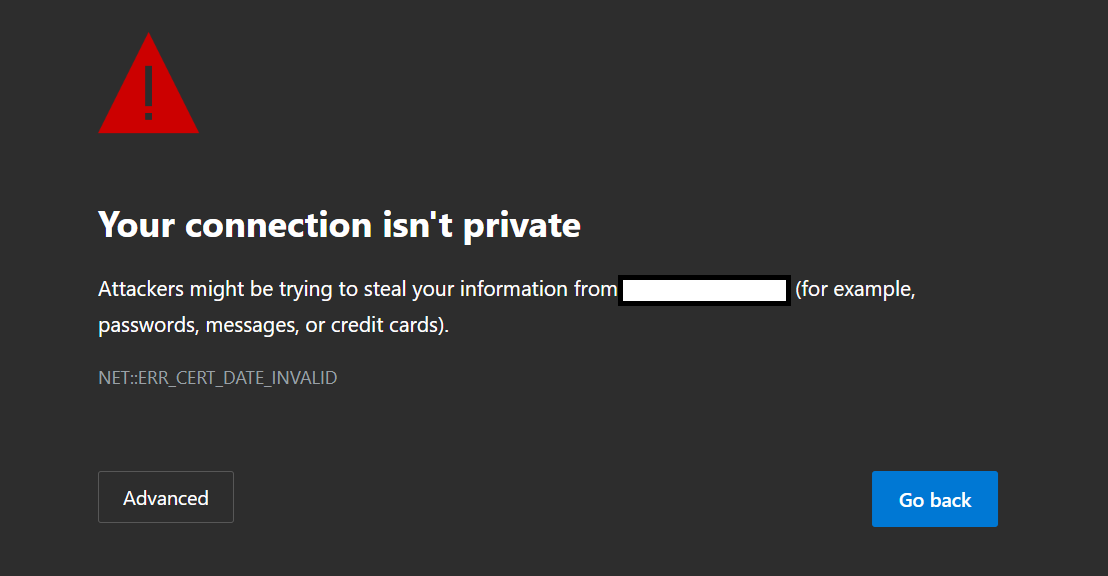
By March 2029, most enterprises will be renewing their TLS certificates every 47 days. For organizations that still treat certificate renewal as an annual chore, that shift will turn into a continuous operational crisis.
In April of 2025, the CA/Browser Forum voted to change the acceptable lifetime of certificates from 398 days to an eventual goal of just 47 days by March of 2029. The first wave of these changes arrives March 15th, 2026, shortening the lifespan to 200 days. By March 2027, that window decreases again to 100 days, before the final drop to 47 days in 2029. For organizations that renew a certificate on March 14, 2026, the clock is already ticking: when that certificate expires, every manual refresh effectively becomes a quarterly—and eventually monthly—fire drill.
The reason for this change is, in principle, a good one: certificates are valid for long enough to cause real harm if stolen or compromised, and organizations generally handle certificate management on a worryingly ad-hoc basis. Bringing lifespans down to 47 days forces organizations to manage these systems more rigorously or deal with significantly more onerous manual workflows. Automation becomes the only realistic way for any organization with more than one or two certificates to approach this problem, which decreases the chances of user error and transforms what is often an annual landmine into a routine process.
The CA/Browser Forum members making these decisions are doing so with the assumption that people and organizations will adopt a "proper" way of doing things, and if you or your company are in a position where you can do everything within the scope of modern tools, the problems here will seem insignificant. Of course the process is fully automated: manually handling certificates all but guarantees failures and mistakes, so why would you ever do it manually?
The problem with this mindset, of course, is that a lot of legacy applications (I know we're not supposed to care about these, but I've never worked in an environment without them) do not have good or sometimes any support for automating certificate renewal processes. Often, even those that do have some level of support don't do it well. They might have GUI-only interfaces, might not expose certificate management on the command line, and most will require at least brief downtime during the swap. Managing these certificates is also cumbersome. Even if you have a centralized system that handles requesting and distributing the certificates, many applications still require what amounts to bespoke tooling to get the job done.
You could just decide to use some implementation of ACME on each individual server requiring a certificate. This does work and is probably the most straightforward way to "solve" this problem, but you now have a whole host of new tasks: you need to track and validate each system making requests, manage the authentication/validity mechanism for certificate requests on each system, have a process to report failure on each system, and so on. In environments with more than a handful of applications requiring certificates, this quickly becomes more painful to manage than a centralized repository.
Take Microsoft's own RDS, for example: there are PowerShell cmdlets that will handle the certificate change and can easily automate that part of the process, but getting the certificate to the machine and actually running that task are both problems that do not have great solutions. There are, broadly speaking, three approaches that are generic enough to be widely applicable.
Approach 1: Local Request and Deployment
The first is the simplest: just request the certificate on the machine in question and the latter steps are much simpler. Programs like Certify the Web can automate the whole process when taking this approach, but even just gluing scripts together isn't particularly aggravating if you're just automating renewing individual certificates on individual machines.
The primary problem with this approach is sprawl: if you have more than a handful of systems with this requirement, you are creating what will inevitably become an unmanageable mess. Additionally, you are trusting a lot of endpoints with the ability to create what are often necessarily arbitrary certificates validated against your domain, meaning that any compromise of an individual system introduces a lot of additional danger.
Approach 2: Centralized Request and Deployment
The second approach is centralizing the certificates and the renewal script deployment/execution. If you're in the cloud, services like Azure Key Vault can handle a lot of this work in a secure way that is pretty painless, but any solution will require some way of making certificates accessible to your servers. This will often be a fileshare as it is the lowest common denominator, but there are a host of better options that allow for more secure distribution and storage. The benefits of this way of solving the problem are obvious: you have one system that controls the whole lifecycle for every system requiring a certificate, which makes it an easy and obvious source of truth for each deployment.
The drawbacks of this approach are perhaps somewhat less obvious. If you are managing certificate renewals on Windows machines from your renewal system, you will often need to solve the double-hop problem: PowerShell will not pass credentials from a remote machine to another remote machine without explicit delegation configuration. If your script requires the server to retrieve the certificate from a fileshare or other resource that can use Windows credentials, it will fail at that stage unless one of the approaches Microsoft outlines is used (typically constrained Kerberos delegation, but something aside from passing plaintext credentials in a script). Centralizing process execution also means centralizing failure, and since either leg of the process can fail your individual scripts need to be carefully designed and thoroughly tested. Finally, there is significant additional operational complexity with this approach: you need to either grant more access to your central system than you'd ideally like (so that stakeholders can implement and configure their individual system scripts), create a script lifecycle process with approval gates so that IT can control deployment, or just have IT handle the whole process for every application. Often this will be the best solution, but it isn't painless.
Both approaches share some advantages that the third option lacks: they tie the certificate import/renewal process to the actual renewal of the cert, they make failure/success easier to track without something as blunt as "my certificate expired" being the first sign of failure, and they keep the logic simple: everything lives on either the individual servers or the centralized solution.
Approach 3: Centralized Request and Distributed Deployment
The third approach is to have a centralized requestor/repository but to store the renewal logic on each server that needs the certificate. The primary benefits of this method are that you can delegate the creation of those last-mile scripts to system owners and task them with that part of the lifecycle management and adopt a pull methodology to get the certificate rather than a push. While this does introduce more complexity since you have both scripts on each system and a need for those individual systems to interact with the central repository, it keeps the potentially problematic part of the process (the creation of new certificates) out of the hands of your users and allows for far more agile delegation.
Since renewal dates will be both predictable and frequent—you're renewing monthly by mid-2029—whichever method you adopt, certificate renewals must become just another routine part of your monthly maintenance. In the spirit of trying to help solve this problem, in part two I will detail my specific approach to this issue in my home lab, along with an example using Azure Key Vault with on-prem systems to demonstrate what a more modern but still hybrid option might look like.